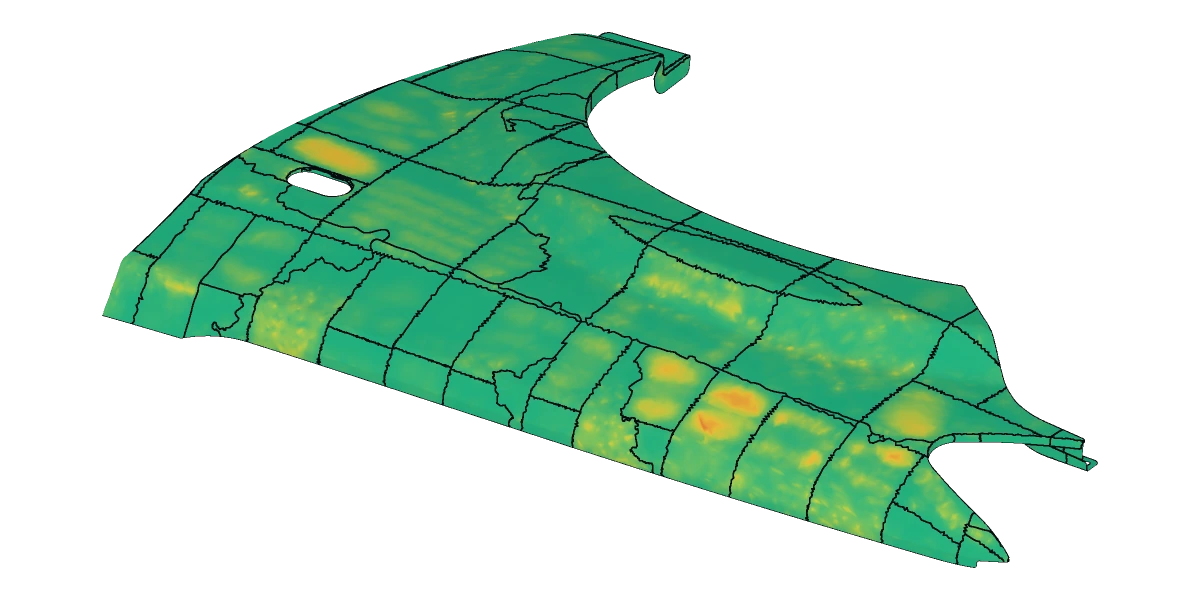
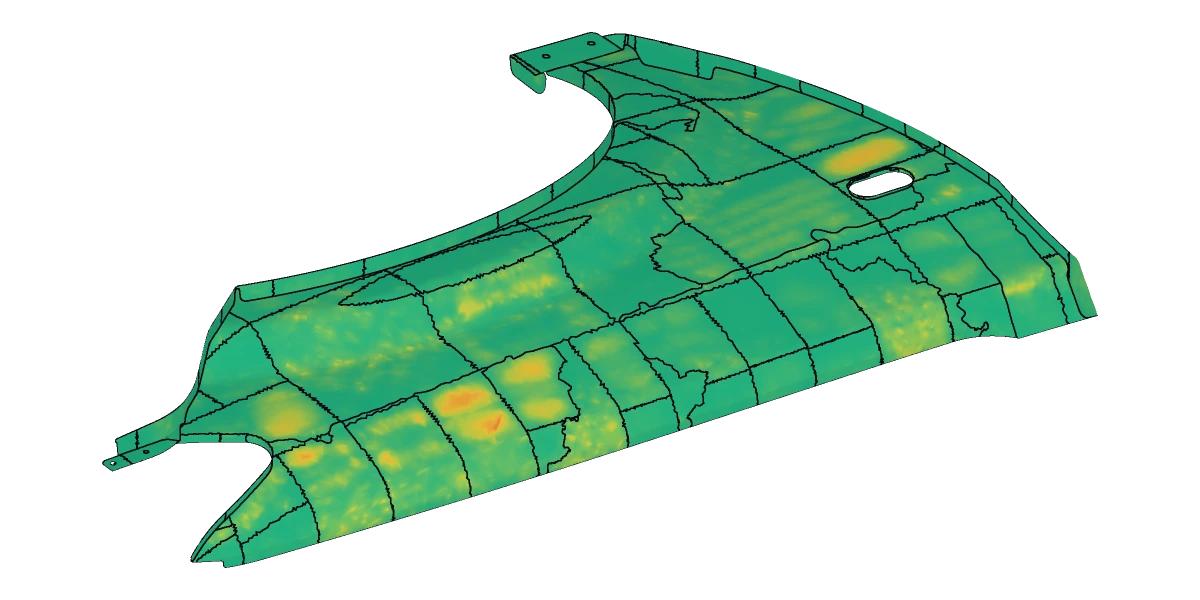
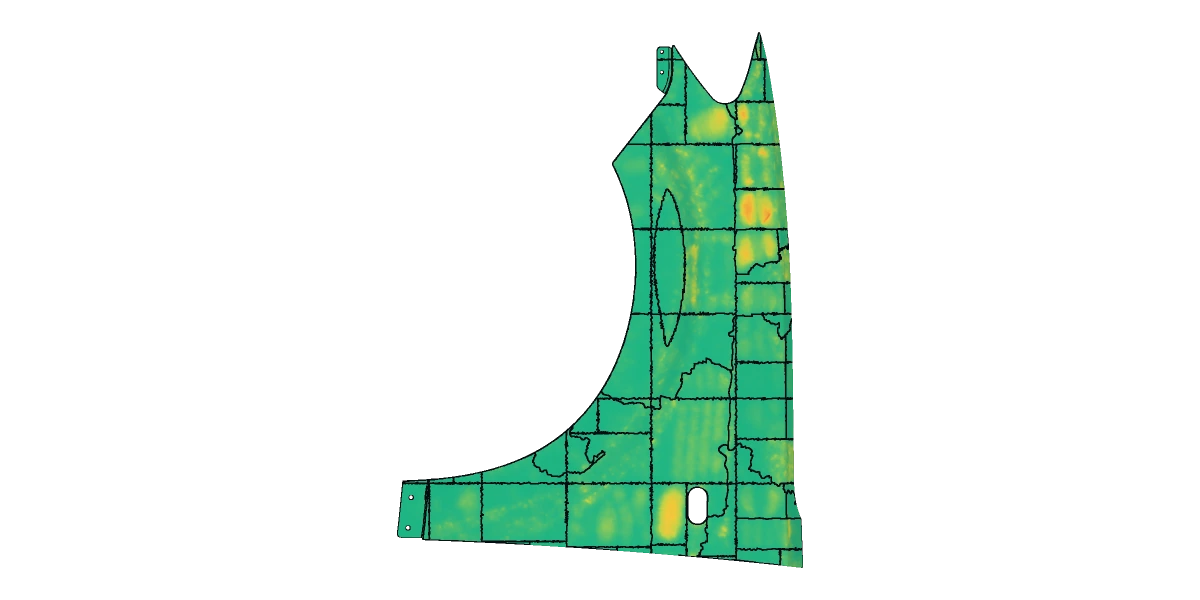
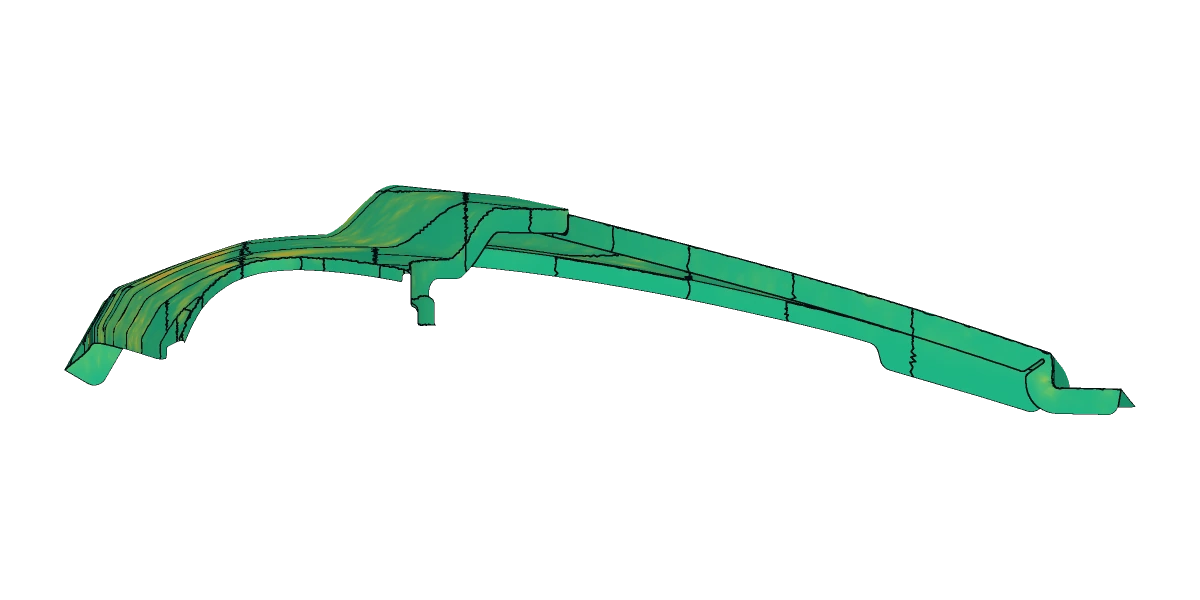
Engineer in Geomagic again. We can tell.

Scan to CAD. Automated.

Free your engineers from the hours, days, or weeks of manual reconstruction per file in MeshLab, Geomagic, or Polyworks. Keep them on design, custom problems, and customer-facing work.

Reconstruction algorithms + AI, dynamic to your use case.

5 formats, bidirectionalConversion Report per callStart free, upgrade anytimeNo SDK license
§02  Problem

One intake. Three processes. One broken file stalls the queue.

Mixed-process shops handle STL, STEP, and scans through the same intake desk. A non-manifold mesh stalls 3DP scheduling. A faceted STEP stalls CAM. A raw scan stalls the next handoff. Different processes, same blocker.

Your ops engineer ends up in three different tools (MeshLab for the STL, Geomagic for the scan, SOLIDWORKS for the STEP), and the shop's throughput is rate-limited by whichever file landed worst that morning.

01IntakeSTL, STEP, and scans all hit the same desk
02Broken fileNon-manifold edges, holes, faceted STEP, raw scan noise
03Ops engineer juggles three repair toolsMeshLab / Geomagic / SOLIDWORKS, per file type
04Downstream blockedWhatever process the file was destined for waits its turn
§03  See it run

Watch a real run.

An impeller and diffuser — a mesh, rebuilt into a CAD-Native STEP model in the browser. Real run, elapsed time on screen.

§04  How it works

Upload. Pick a tier. Download.

Drop a mesh in the browser, get CAD back in the format you need.

01 / Upload

STL, OBJ, 3MF in.

In the browser. Nothing to install.

02 / Pick a tier

Surface, Smart, or Parametric.

Surface turns your mesh into smooth, clean surfaces. Smart extracts real primitives into face-segmented CAD geometry. Parametric extracts design intent into a fully editable, feature-based model and takes on what traditional geometry can't. You pick, per part.

03 / Download

CAD-Native STEP, or any format.

STEP, IGES, STL, OBJ, or 3MF out. Your call. Every part ships with a graded Conversion Report: deviation, coverage, defects. Below grade → flagged, not shipped.

§05  Pricing

Start free. Upgrade when you need more.

Three plans, one per tier, all returning CAD-Native STEP. Each includes monthly conversions plus top-ups. Pick by what you need back.

TierWhat it doesWhen to use it
01

Surface

NURBS surfaces

Real CAD surfaces. No more jagged triangle geometry: your mesh rebuilt as smooth, clean surfaces.

When you need a file your CAD software opens as real geometry.

02

Smart

Analytic faces

Primitive extraction. Real planes, cylinders and cones, rebuilt as true face-segmented CAD geometry to tolerance.

When you need the real underlying geometric faces your CAM or quoting tools can trust.

03

Parametric

Most capableEditable feature tree

Design intent, not just geometry. A fully editable, feature-based model with a real feature tree your CAD can modify. Handles what traditional geometry can't, malformed scans included.

When you need to change the part: edit features, tweak dimensions. Or when nothing else can handle the mesh.

Plans sized from a single bench to a full intake desk. Talk to us and we'll fit one.

Start a free trial, talk to us
§06  How we're different

Less manual work. Fewer tools. Parts you can trust.

Three reasons to run your conversions here: the hard step runs itself, one place covers every format, and nothing ships below grade.

01 / Skip the manual step

CAD-ready parts, no manual segmentation.

The slow step is tracing a mesh into clean surfaces by hand. Here it runs on its own. Send a mesh, get back a CAD-Native STEP. Hours per file become minutes of queue time. One part or a full batch, same path.

02 / One place for every format

Every format, both directions.

STL, OBJ, 3MF, STEP, IGES: read and write, healed in the same pass. No converter stack to maintain. No per-format tooling. No SDK license to negotiate. One place instead of a shelf of point tools.

03 / Trust the output

Every part ships with a grade.

Every part comes back graded: Excellent, Good, Marginal, or Poor, backed by a Conversion Report covering deviation, coverage, and defects. Excellent and Good are ready to use. Marginal and below, we flag the file for review instead of handing you bad geometry. Whatever runs next (quoting, CAM, inspection, redesign) never starts from a broken file.

For integrators

Ready to integrate our engine into your workflow?

From one click to zero clicks. Same engine, one API call.

01

Scans land in your intake

Email, a network folder, your job system. Wherever files arrive today.

02

The engine converts them

Heals, rebuilds, and quality-gates every part with a graded Conversion Report. Nobody babysits it.

03

CAD lands where the job runs

CAD-Native STEP in your CAM, PDM, or job folder. Zero clicks.

Talk to us about wiring it in

§08  Team

Who's building this.

Two engineers. Alumni of elite technological institutions. The ones writing the code answer your support emails.

Jon, CTO and co-founder of IncudoCAD
CTO

Jon

The builder.

Owns the CAD engine: Rust + C++ core, geometry math, and the ML models that handle what pure math can't. Previously ML Engineer @ J6 & Cyber Defence Directorate, Senior SWE @ CloudQuery.

Yotam, CEO and co-founder of IncudoCAD
CEO

Yotam

The driver.

Leads business, product & infrastructure. Former Head of DevOps @ SignalPET ($15M+ ARR) & Technical Product Manager @ 8200.

§09  FAQ

Questions you'd ask in a sales call.

Same answers, no calendar invite. If yours isn't here, mail team@incudocad.com.

Every file comes back graded (Excellent, Good, Marginal, or Poor), backed by a deviation, coverage, and defect report. Marginal and below is flagged for manual review rather than silently returned, so whatever's downstream (CAM, quoting, inspection, redesign) never gets bad geometry.

Start free. Subscription plans, one per tier, each with monthly conversions included. Top up when you need more. No seats, no SDK license, no minimums. Three tiers: Surface (clean NURBS surfaces), Smart (real primitives extracted into face-segmented CAD geometry), and Parametric (a fully editable, feature-based model that extracts design intent and handles what traditional geometry can't, malformed scans included). Talk to us.

Free STL to STEP converters keep every triangle in your mesh and turn each one into a tiny flat face. What comes out is a technically valid STEP file with tens of thousands of flat facets: zero smooth surfaces, nothing your CAD software can edit, quote, or machine, and real-world file sizes choke them. The better ones merge a few neighboring facets or drape rough patches over the triangles; the shape stays an approximation of an approximation. IncudoCAD's floor is above their ceiling: the entry tier alone rebuilds the geometry into smooth, clean surfaces in CAD-Native STEP, and the ladder climbs to real analytic faces and fully editable, feature-based models. All of it across 90%+ of real-world use cases and file sizes. Enterprise-level results at a consumer entry bar, fully automated.

SOLIDWORKS 2025 ships manual mesh-to-CAD conversion in its desktop GUI. You segment facets by hand, file by file. IncudoCAD automates that step: upload a mesh and get CAD back, or wire the same engine into your pipeline through the API.

Geomagic Design X is desktop reverse-engineering software: an engineer segments the scan and rebuilds each part by hand. IncudoCAD automates that. Our AI handles the messy conversions that otherwise need a human in the loop, and returns CAD-Native STEP from a single call. They need an engineer per part; we need one click.

Spatial and Tech Soft 3D sell C++ SDKs to software vendors who embed them in an app. IncudoCAD is a service you use directly: a web app for one-off conversions, or a hosted API you call from your shop's scripts, intake tool, or pipeline. You don't need to build an app around us.

Files run on dedicated infrastructure and are encrypted in transit and at rest. We don't sell your data and we don't share it for advertising. Full retention, encryption, and access controls are in our data handling policy. Happy to sign an NDA for specific workflows.

Yes. The web app is the product: upload your mesh in the browser, pick a tier (Surface / Smart / Parametric), download your CAD-Native STEP. Same engine either way. The API is there when you want to automate intake or wire conversions into your own pipeline.

§10  Free demo, on a call

Get your engineer's time back.

Drop your contact + a note on your scan workflow. We'll book a call to show how much time IncudoCAD frees up. Per week, per month.

Or talk to us